

Waiting too long for a web page to load turns users away. People are impatient, and with the advancements in technology available now, they will move on to a different site if they’re left waiting. To make sure this doesn’t happen, images and other large files on a page need to be adjusted for the web.
Image optimization involves changing characteristics of an image to enhance it for web use.
It can involve adjusting the size, color, or clarity of an image. When worrying about a website’s speed, the size is the focus. During the optimization process, one must minimize the size of the image without making it look bad. The whole process is done to make the website more efficient by looking good and loading faster. Size is measured in bytes, broken into kilobytes when less than a byte. When the amount of bytes in an image is reduced, the quality goes down. But this isn’t always a bad thing. High resolution photos can still look good on the web when they are smaller.
Why Optimizing Matters
Optimizing an image improves the user experience. It makes a site easier to navigate, with correctly sized images and faster loading speeds. Having the correct quality adds to a web page, making it look more professional.
It also impacts how it is viewed on different screen sizes. A compressed, optimized image using the correct file adjusts to screen sizes on mobile devices like phones and tablets. This is important because more than 50% of web traffic comes from devices.
How fast a website loads is directly related to the size of the elements included in the page. A website with large images and files will take longer to load, therefore turning away a user. When the size is brought down during the optimization process, the site appears quicker.
How to Optimize
Changing the qualities of an image is not hard. There are many platforms that can be used to help with this process like Adobe Photoshop and online websites like Squoosh. They give options of different qualities and sizes for a user to choose.
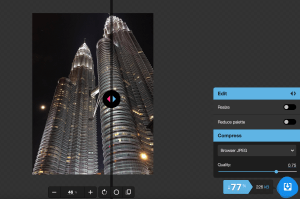
Changing the qualities of an image is not hard. There are many platforms that can be used to help with this process like Adobe Photoshop and online websites like Squoosh. They give options of different qualities and sizes for a user to choose.
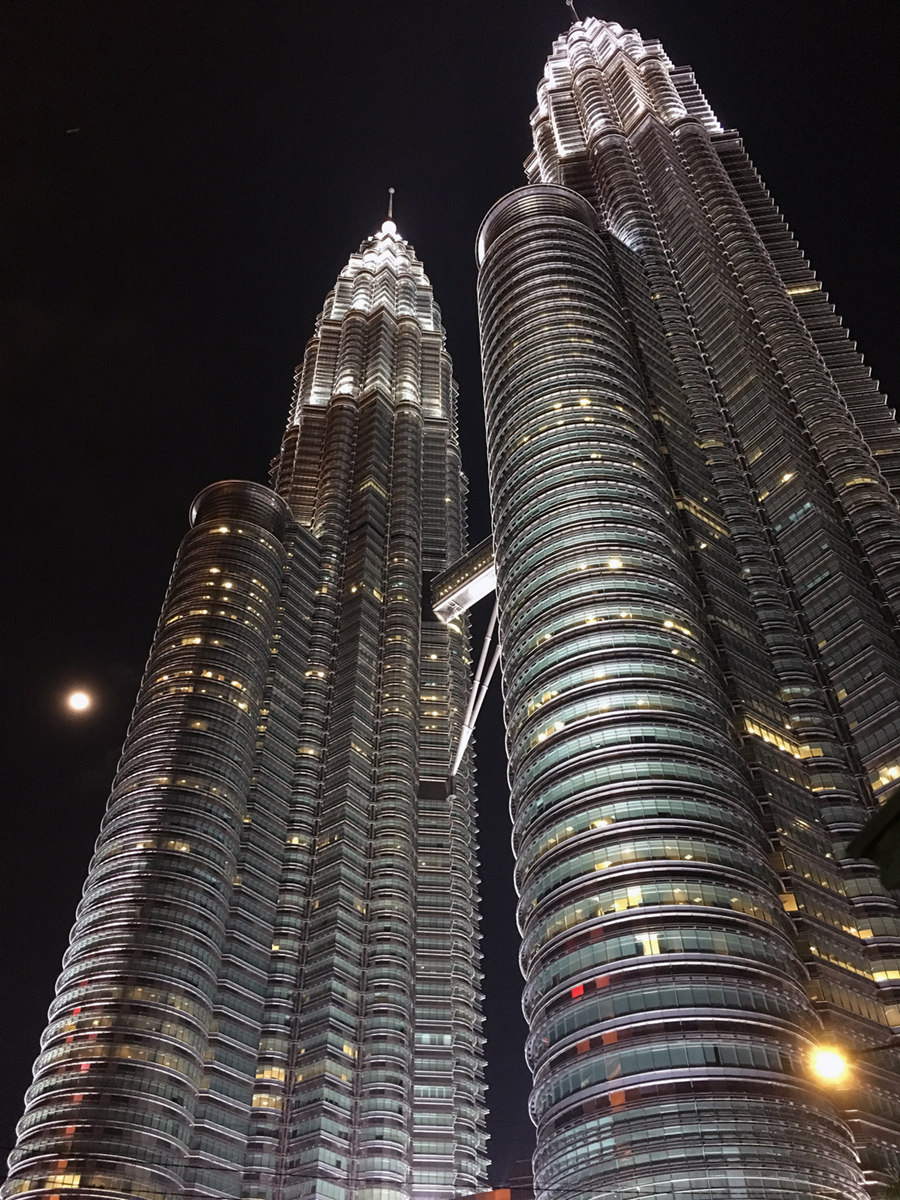
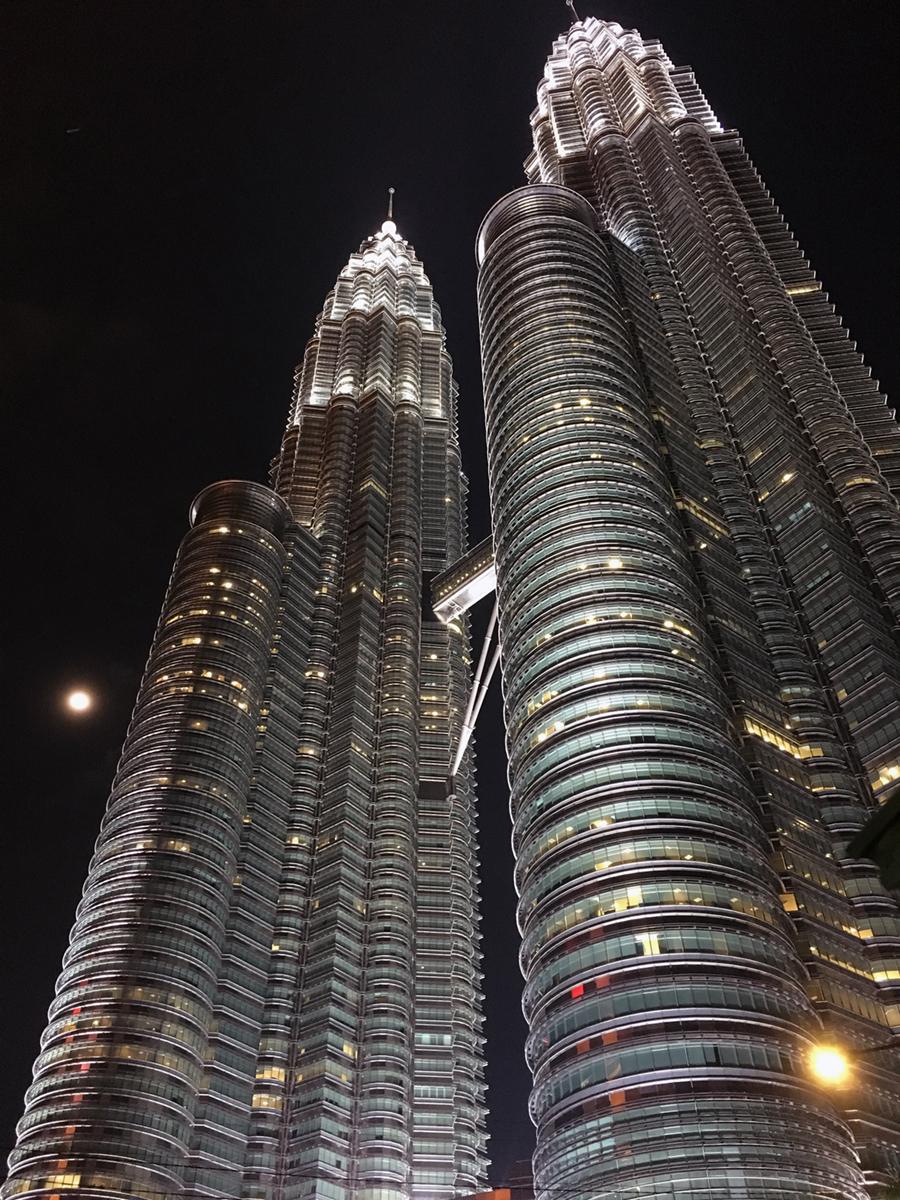
You can see the image in that screenshot from Squoosh. It’s a very large photo, sizing at 983 kilobytes (kB). This image would take a long time to load and needs to be adjusted for web use. Using Squoosh, I reduced the image size to 226 kB by degrading the quality. It was brought down 77%, but still looks presentable. Although the image is less clear, its details are visible. Plus, the smaller size will make the web page load much faster.
When the browser is resized, the quality stays the same. The image’s dimensions change with the size of the page, but it does not make the image look extra grainy.
The key to a successful website is keeping the viewer around. Besides good quality content, the website must be practical for the user. That means it must appear quickly. Optimizing an image creates good quality visuals and helps the page load faster. It’s a win-win.

 Katie Coen
Leave a reply to Make Your Website Seen with SEO – Katie Coen Cancel reply