We’re kicking off Motion Across Media by learning the basics of animations, then making GIFs.
Reading & Writing
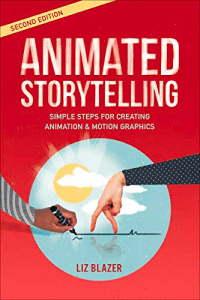
Chapter one of “Animated Storytelling” by Liz Blazer focuses on the pro-production stage before starting an animation. Blazer explains that animated storytelling is all about planning. It starts with concept development, or deciding what the animation will be.
This starts with a creative brief which breaks down the client’s wants, objectives, the target audience, and major deadlines. This helps everyone get on the same page. Then you decide what form your project will take by finding a big idea. Then that idea can help finalize the tone, plot, and theme.
The next step is previsualization. This establishes what the animation will look like, along with defining the look and feel of the production. It can take many forms, ranging from sketches to fully developed characters. Research and experimentation help with inspiration.
Asset building comes next. In this phase, creators get all the assets, or pieces they need to start animating. This can be anything from logos to character designs to pops to sound effects. A style frame can be created. This is a single image that shows the overall look and feel of the animation.
Research to Inform
Before making my own GIFs, I found some I find interesting to analyze.
This GIF has a lot of moving parts. It shows the sun setting and the stars showing up in the sky. It’s cute and unique design and displays its message well.
This GIF has one word switching on a loop. It is much simpler and still conveys its message.
This GIF uses a moment from a TV show instead of a cartoon animation. The text also appears and changes color. The actor’s emotion and message are portrayed perfectly.
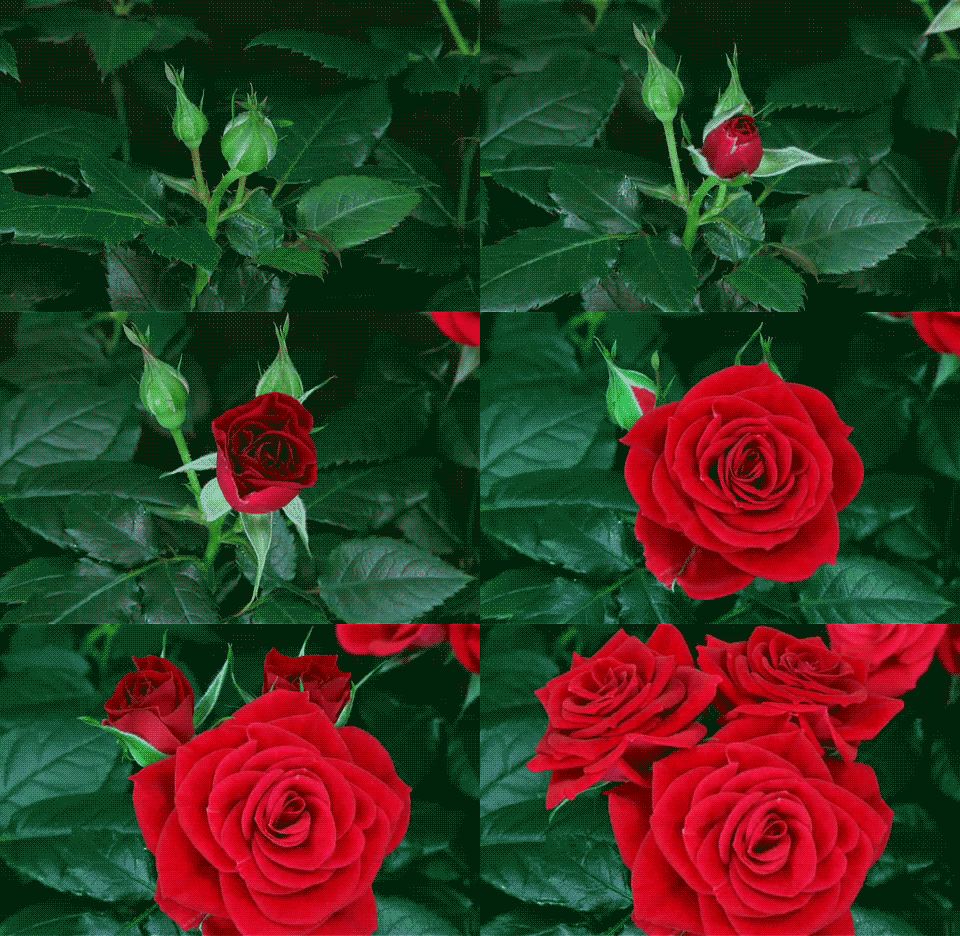
This GIF shows a bud grown into a rose. It is cool to watch the process in a split second and shows good use of animations.This GIF shows a bud grown into a rose. It is cool to watch the process in a split second and shows good use of animations.
This GIF is a fun moment from the “Lady and the Tramp” animated movie. The puppies tails are all wagging, which shows their excitement, and it’s just cute to look at!
Create
Now for the fun part! I got to create 3 GIFs using Adobe Photoshop and the timeline window.
Light Bulb Cut Out GIF
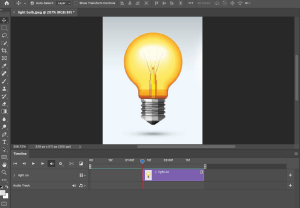
This is the first GIF I have ever made. It is simple, but helped me get a grip on what I needed to do to be successful in this process. It shows a light bulb turning on and off. I found this image on iStock. In Photoshop, I made a layer of the light on and used the timeline animation tool to make the bulb turn on and off.
Quinnipiac University GIF
Here is another GIF I made with the cut out method. I uploaded an image of the Quinnipiac University seal to Photoshop and used the selection tools to separate the middle circle. Then I animated it using the timeline.
Rainbow GIF
This is a GIF I made using the onion skinning method on Photoshop. I started with a blank canvas in my timeline and draw lines next to each other in the colors of the rainbow. As I moved along the timeline, I added a new line. The onion skins setting helped make the GIF look cohesive with lines that start where the previous one ended.
Overall, the process of making these GIFs was really fun. I hadn’t used Photoshop for animation before, so it was interesting to learn about this aspect of the program.







 Katie Coen
Leave a comment